Posts

Ad design tips

How to design and build web banner ads that will bring in those clicks? There is a list of tips and general guidelines for designing banner advertisements below. Place your banner ads correctly Buy space on a website where your design will be highlighted above the crease and close to the main content of a page. Maintain hierarchy Banner advertisement design relies upon the right balance in each ad, so see your hierarchy. Effective banner advertisements are created to raise brand awareness and make traffic to your website. The call to action Call to action is the text or button that attracts website users to click on. Phrases like “Learn more” or “Get started” or “Watch Now” are excellent examples of CTA. This should be a bright focal position of the advertisement. Keep it simple Keep visuals and content very simple and understandable. Watchers are most probably only going to look at your web banner advertisement for a second. Use buttons appropriately Depending on the ki...

Hypermedia Explained

Image
Hypermedia is just another name for everything we see, hear and interact on the web. But since the early nineties, the general concept of hypermedia in popular use has been largely replaced by the term "interactive multimedia." First, only in the world of software engineering and architecture do people continue to talk about hypermedia. Nowadays, the term is most commonly used to design web application interfaces or APIs. As the complexity of software applications and systems continues to grow, so does the need for different components within one application and completely separate applications to communicate simply and clearly with one another. This cross-language data exchange is one that has always been using the API, but the variety of APIs and languages ​​used to encode them can be as wide-ranging and as peculiar as individual software applications themselves. The API developed by Facebook and Twitter developed by Twitter may not communicate well with each other...

Most common web design mistakes

Image
Owning a poor website makes businesses to lose clients, and that is cash out the door. A lot of business owners create their websites to save cash and have more authority over the project. Sometimes they don’t understand the ideas of good web design, pointing to a website that’s less than perfect. Make sore to avoid these mistakes: Too Much Going On Represent relevant business information right away on your site. Visitors who don't get what your website is about within a few seconds of landing on your site will leave immediately. Too Little Going On Sites with next to zero on them are on the other edge of the spectrum. Minimalism in design is a huge trend right now, and it works only when performed correctly. Too Confusing About in the centre of the too much/too little spectrum lies the dreaded “confused brand” site. The confusing website is one which highlights a mixture of typefaces, images, colour palettes, and themes, none of which link to each other. A Terrible C...

Hypertext explained

Hypertext, also known as a hyperlink, is the association of related information with electronic connections so that the user has easy access between them. Hypertext is a feature of some computer programs that allow a user of electronic media to select a word from the text and receive additional information related to that word, such as a definition or related reference in the text. For example, in the blogs, the hypertext links during the mention of the blue whale allow the reader to access an article about this species by simply clicking on the words with the mouse. A hypertext link is usually denoted by highlighting the word or phrase in the text with a different font or colour. Hypertext links can also connect text to images, sounds, or animated sequences. Hypertext links between different parts of a document, or between different documents, create a branched or networked structure that can be customized directly without having to jump to related information snippets without media...

Filters on website

Image
Universal filters narrow results by common features such as price, colour, or popularity. However, you also need to include filters that vary by category. This could mean "Fit" or "waist height" under "Pants" when shopping for clothes, or "Happy Hours" or "Good for Dancing" under "Nightlife" while browsing restaurants. One rule of thumb to discover category-specific parameters: It's worth including everything in the product description. Filter offers highly detailed category related filters. This is especially useful when specifying a huge number of items. Category-specific filters also have the advantage that they are educational points for people with less experience Allow multiple selections Decisions may not be based on a single data point. Whether we know exactly what we want (we are interested in a restaurant that has outdoor tables, pets and vegetarian dishes) or we know only what we do not want (we are n...

How to make FAQ?

Image
You already know about Frequently Asked Questions pages, commonly referred to as FAQ pages. If not then you can read previous article here . Many businesses get the same questions over and over and then decide to make life easier for department of customer support. Before start FAQ page you should think and find out what questions your customers are really asking. Many great FAQ pages are useful because their questions are well grouped and organized. Similar questions should be grouped and writted in using your customers language.  You can group FAQ like this: Sort your questions by audience type: for example, for beginners-advanced, new visitor-permanent customer, user-partnership. List the questions alphabetically. Group your FAQs by question type, and give each group a heading. Adding search on FAQ webpage can make life easier for customers too and you also can collect statistics. Overloaded FAQ page with too many questions, you will overwhelm your read...

Is FAQ necessary for your website?

Image
Are you one of the company that is using Frequently Asked Questions (FAQ)? FAQ pages include a series of questions that are commonly asked by customers. You should use questions asked by actual customers, not questions that you think they should be asking. There is no specific format for the FAQ pages. So, you can list all of the concerns and can group the common ones under different headings.  If you don't have FAQ yet, you definitely should know about positive side of this web page. Benefits of FAQ: enhance your visibility in search engines;  demonstrate your expert reputation; convert visitors into customers; provide some kind of support when your employees could not answer to question (e.g. during the night time or holidays); you can answer questions in simple language without the use of technical terms, you can  educate your customers about the features and benefits of your products or services  pages can be used as site ...

Everything you need to know about computer file

Image
A file is an object on a computer that stores data, information, settings, or commands used by a computer program. In a GUI, such as Microsoft Windows, files are displayed as icons that refer to the program that opens the file. How is a file created? The file is created using computer software. For example, to create a text file, you would use a text editor, to create an image file, to use an image editor, and to create a document, you would use a word processor. Where is a file stored? Computer files are stored on a disk drive, disk (such as a DVD), and floppy disk. On a Microsoft Windows computer, users can view, manage, and organize their files using Windows Explorer, and Apple users can use Finder. See our file system definition for more information about file management. Different types of files JPEG is the most common format used by digital cameras and images on the web. This file format is based on lossless compression, which means that it retains visible...

What is browser engine and how does it works?

Image
A web browser is a software app for accessing information on the Internet. Each image, web-page, and video is identified by a distinct URL, enabling browsers to retrieve these resources from a web server and show them on a user's device. When you choose a web-browser, you’re also choosing a rendering engine and a browser engine.   Browser engine The browser engine is the main software component in every major web browser. The primary purpose of the browser engine is to transform HTML documents and other web page resources into an interactive visual representation of the user's device. The engine combines all relevant CSS rules to calculate the exact graphical coordinates of the visual representation it will display on the screen. The engine makes the necessary system calls to complete the process. The browser engine is to take HTML, CSS, and other web page code - text that you can see at the source of the page or open in a text editor, layout, page content and styl...

What Is a System Resource?

Any usable computer part that can be managed and assigned by an operating system so that all computer hardware and software can work together as intended is called a system resource. System resources can be used by users, when you open programs and apps, as well as by services which are usually started automatically you are operating the system. You can run low on system resources or even run entirely out of a system resource since they're limited. Limited access to any particular system resource reduces performance and usually ends in an error of some kind. The server virtual device must be authorized to operate a system resource. This authorization is the same that is needed for a global resource manager. More information If the devices are Plug and Play compliant, Windows automatically assigns system resources to hardware devices. Nearly all commonly available computer hardware devices and certainly available today are Plug and Play compliant. More than one piece of hardware ...

What is the World Wide Web and who invented it?

 What is the World Wide Web? The World Wide Web (WWW), known as the Web, is an information space where documents and other web resources are identified by unified resource locators that may be related to hypertext and are available on the Internet. Users can access WWW resources using an application called a web browser. Who invented the World Wide Web? English scientist Tim Berners-Lee invented the World Wide Web in 1989. He wrote his first web browser in 1990 when working with CERN at Geneva, Switzerland. The browser was released outside CERN in 1991, first to other research institutions from January 1991, and then to the general public in August 1991. to use to interact on the Internet. Web resources can be any type of downloaded media, and web pages are hypertext media formatted in a hypertext markup language (HTML). This formatting allows you to include embedded hyperlinks that contain URLs and allows users to navigate to other web resources. In addition to text, ...

What is a web page?

Image
Using the internet you have probably heard term “web page”, but do you know the meaning of it? What is web page? A web page is a document that is usually written in HTML that is available on the Internet or other networks through a web browser. The webpage can be accessed by entering a URL address and can contain text, graphics, and hyperlinks to other web pages and files. The page you're reading now is an example of a webpage. As mentioned above, this page you are reading is an example of an HTML web page and a typical web page on the Internet. This web page consists of several elements, including CSS, images, php, html and JavaScript. Although the web page structure is created using HTML, you can create an HTML code using an HTML editor and write it to a person or create it using server-side scripts or other scripts. Html and web page HTML is the standard markup language for creating web pages and It stands for Hyper Text Markup Language. HTML describes the...

What is 404 error code?

Image
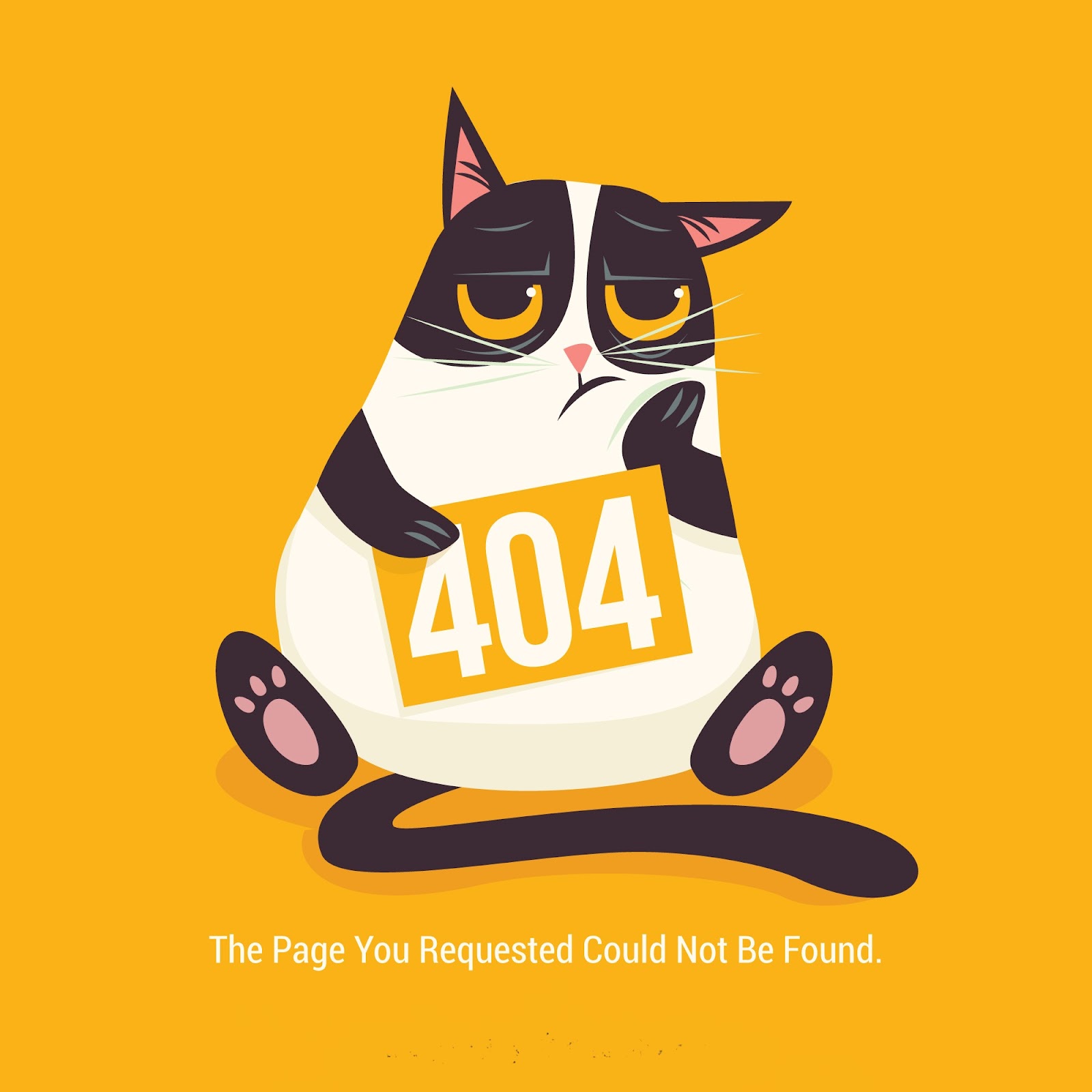
You have probably seen 404 error code a lot on the internet, but do you know what does It actually mean? In this article, we will learn all you need to know about the 404 error code. What does 404 mean? The 404 error message is a hypertext transfer protocol (HTTP) status code that indicates that the server could not find the requested website. In other words, your web browser can connect to the server, but the specific page you are trying to access cannot be reached. There are other HTTP errors, but the most common are 404 errors. Here are the different ways to display 404 error code: 404 Error 404 Not Found Error 404 The requested URL was not found on this server HTTP 404 Error 404 Not Found 404 File or Directory Not Found HTTP 404 Not Found 404 Page Not Found They all say the same thing, that the server could not find the requested website. If a visitor cannot access the content or the page they are looking for, they will most likely leave your site and go...

On menu today “Types of Testimonials”

Image
In previous blog we told you about testimonials as to customer’s close tool for marketers. This blog will let you plunge deeper and maybe will inspire you to try new and unknown type of testimonial. The more formats you can use in different places, the better it would be for your business. Quotes It’s are the most popular form of testimonials. Add photo of customer/client to look it better and trustworthy. Posts on social networking sites It allows to tag person who is the main person in testimonial, share post, get likes, comments. Social media expands options how we can use posts and makes testimonials more available (it will reach more potential customers). Video Testimonials Statistics shows that people prefer to watch and not to read.This testimonials require more preparation and resources. Interviews This type of testimonials can give answers to frequently asked questions and gives more details from customer to customer. You can manage what kind of information ...

Testimonial as a bridge from one customer to another

Image
The success of the business depends heavily on word of mouth. Customers usually read forums, reviews and search for more information about product or service. They are ready to waste time searching about company too. Testimonial is a modern way to tell about your product. Testimonials are written or recorded statements that represent experience, review of customers, celebrity or expert.  Testimonials can help make final decision before buying and they save time to customers. If you want to add testimonials to your website or social networking sites, please film your existing customers. Testimonials are incredibly effective when believed to be true, but not always audience believe that testimonials presented by a company are given by real people. Research by Martin, Wentzel and Tomczak (2008) found that the effectiveness of testimonials depends on the degree to which consumers are influenced by normative pressure and the quality of the product features highlighted. ...

Types and effects of scrolling

Image
In our previous blog you find out what scrolling is and now is time to talk about types of scrolling. Let’s take a look on types of scrolling. Long Scrolling The name of this types already says that it is about long-long scrolling. It is typical for social media sites. Adding fixed menu can make user experience more enjoyable. Scrolling could be used to apply storytelling techniques on the web. Long-scrolling websites work well on both desktop and mobile devices. Long-Short-Scrolling It’s type where long- and short-scrolling segments are mixed up. Fixed Long Scrolling Good to place CTAs in at the end of each of each fixed-scroll frame. Tasteful Parallax Scrolling Take a look on example here .This scrolling is more creative and could be good choice if you want storytelling site. There is so many place for creativity and effects to use, but it makes site “heavy” and prolong loading times. And as we know, fast site is better than an slow site. Infinite Scrolling I...